THE EGUARDIMMO TOUR

Your rental management, in one place.

A rent payment to check, a lease to prepare, a tenant to contact? Find your properties, documents and conversations in eGuardImmo, on web and mobile.

For property owners, property companies and agencies.

A property manager organises her rentals on a laptop, surrounded by properties and documents.
  • Your rentals together

    Connected properties, tenants and leases.
  • Your rent tracked

    Due dates, payments and receipts.
  • Your work goes with you

    On desktop, iOS and Android.

YOUR DAY-TO-DAY WORK

Every rental has a story. Keep track of it.

From creating a lease to tracking repairs, your information stays connected to the right rental.

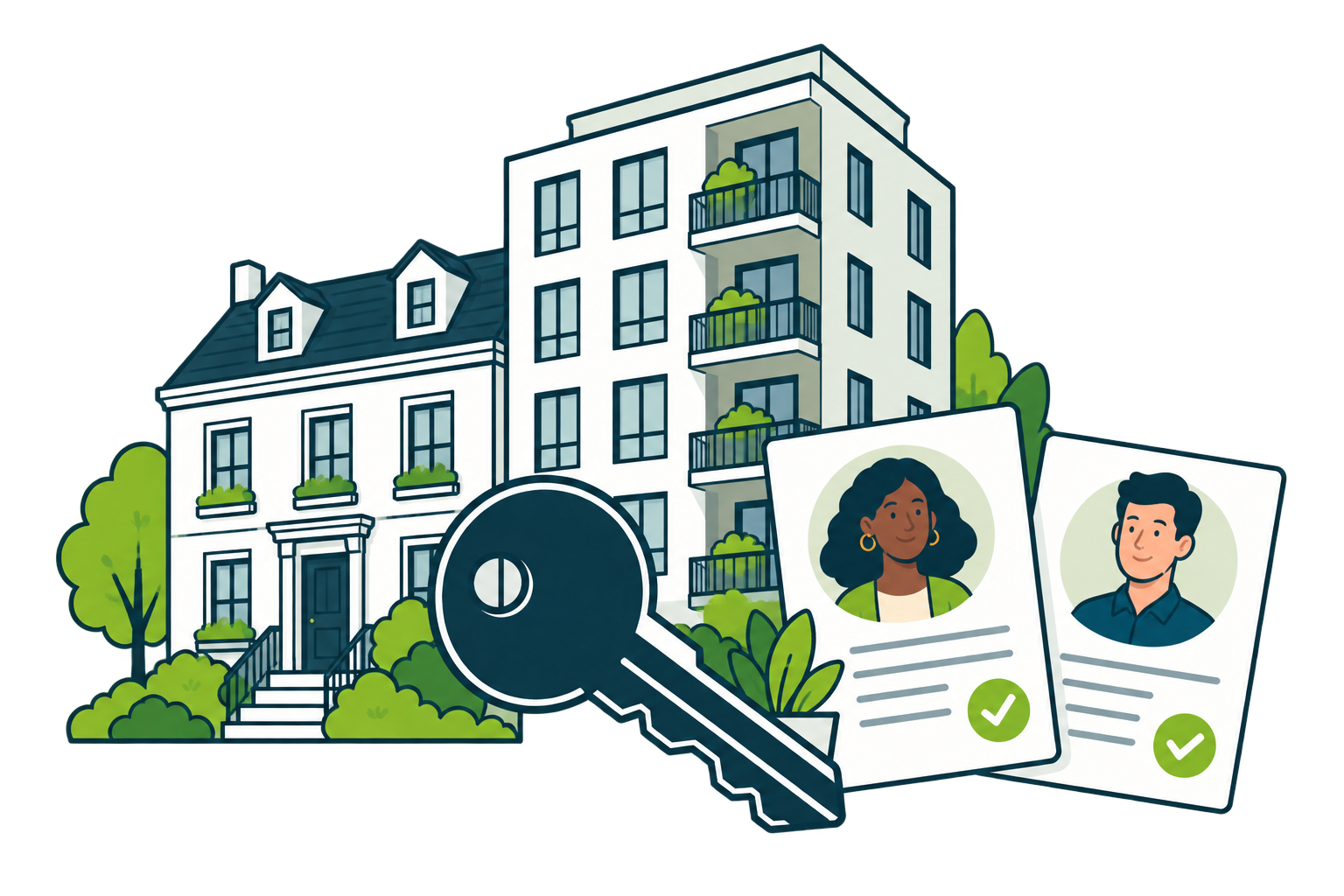
A house and an apartment building connected to tenant records and a key.

01 / ORGANISE

A file for every property. A place for every tenant.

Keep the details of a property, its tenant and its lease together. See who lives where and which contract to consult.

  • Property and tenant records in one place.
  • Rental contracts connected to the property and occupant.
  • A dashboard to find your information and alerts.

Open the right rental with its context at hand.
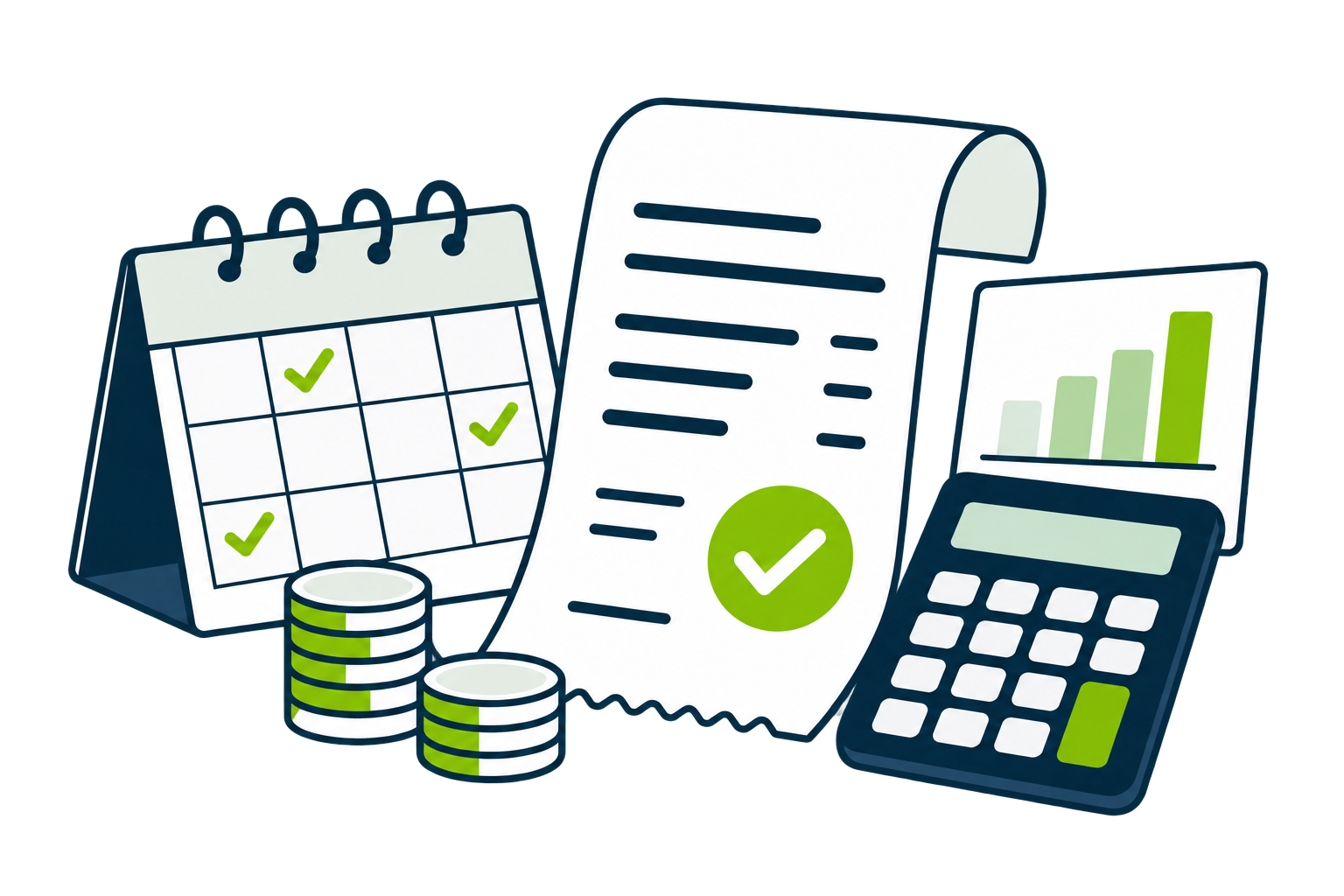
A calendar, an approved rent receipt and a calculator illustrate rent tracking.

02 / TRACK

Know where your rent payments stand.

Check expected rent and payments received. Find your expenses and each tenant’s transactions in the general ledger.

  • Recurring payment notices and receipts after full payment.
  • Tracked payments, expenses and service charge adjustments.
  • General ledger and exports for your financial review.

A payment received, a receipt to send: keep the record.

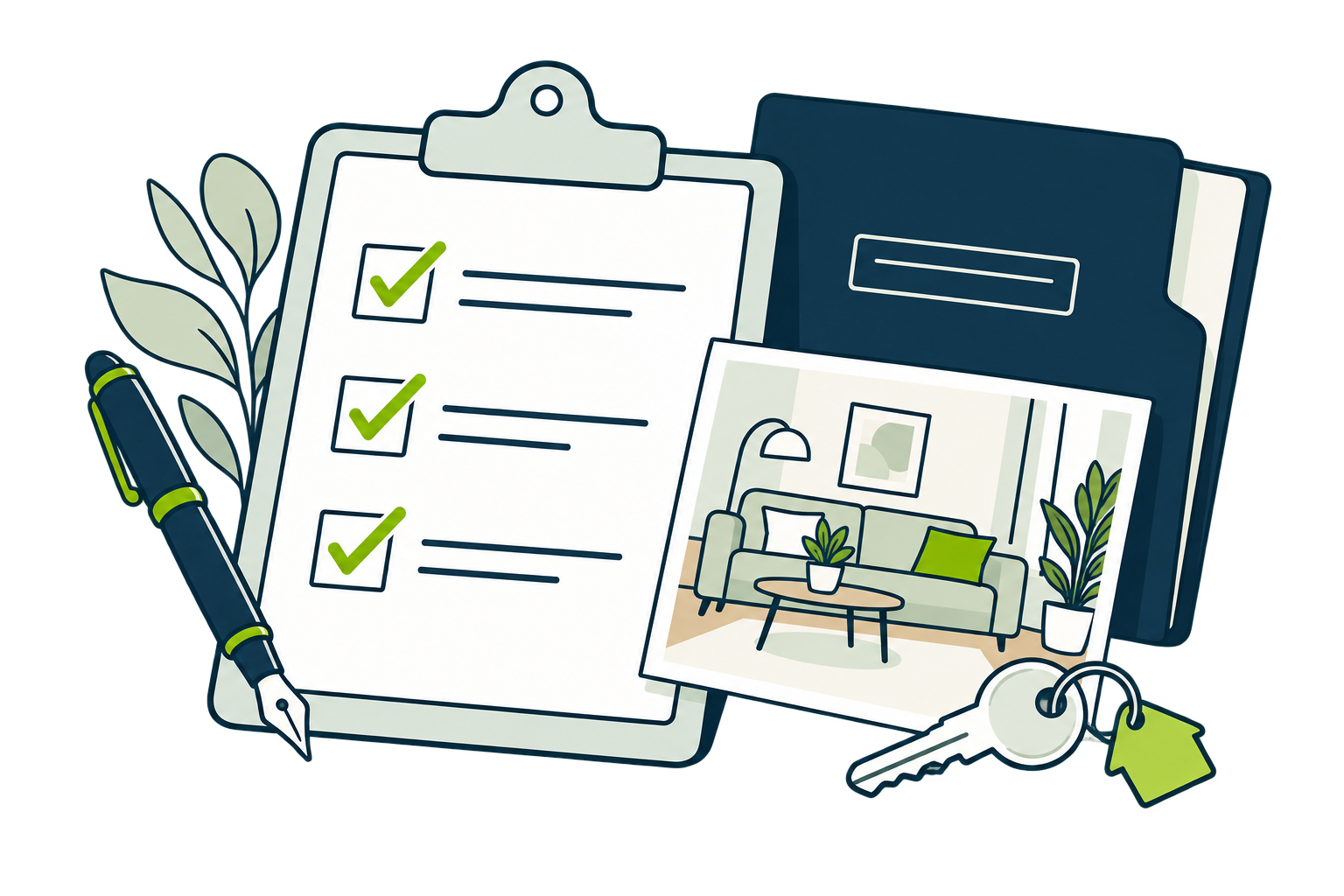
A checklist, an interior photograph and a folder illustrate a property inspection.

03 / DOCUMENT

Prepare your leases and property inspections.

Fill in your contract, describe each room and add inspection photos. Find the documents you need at each stage of the rental.

  • Pre-filled leases to download.
  • Move-in and move-out inspections with photos.
  • Furniture inventories and rental documents.

Keep a documented record of your property.

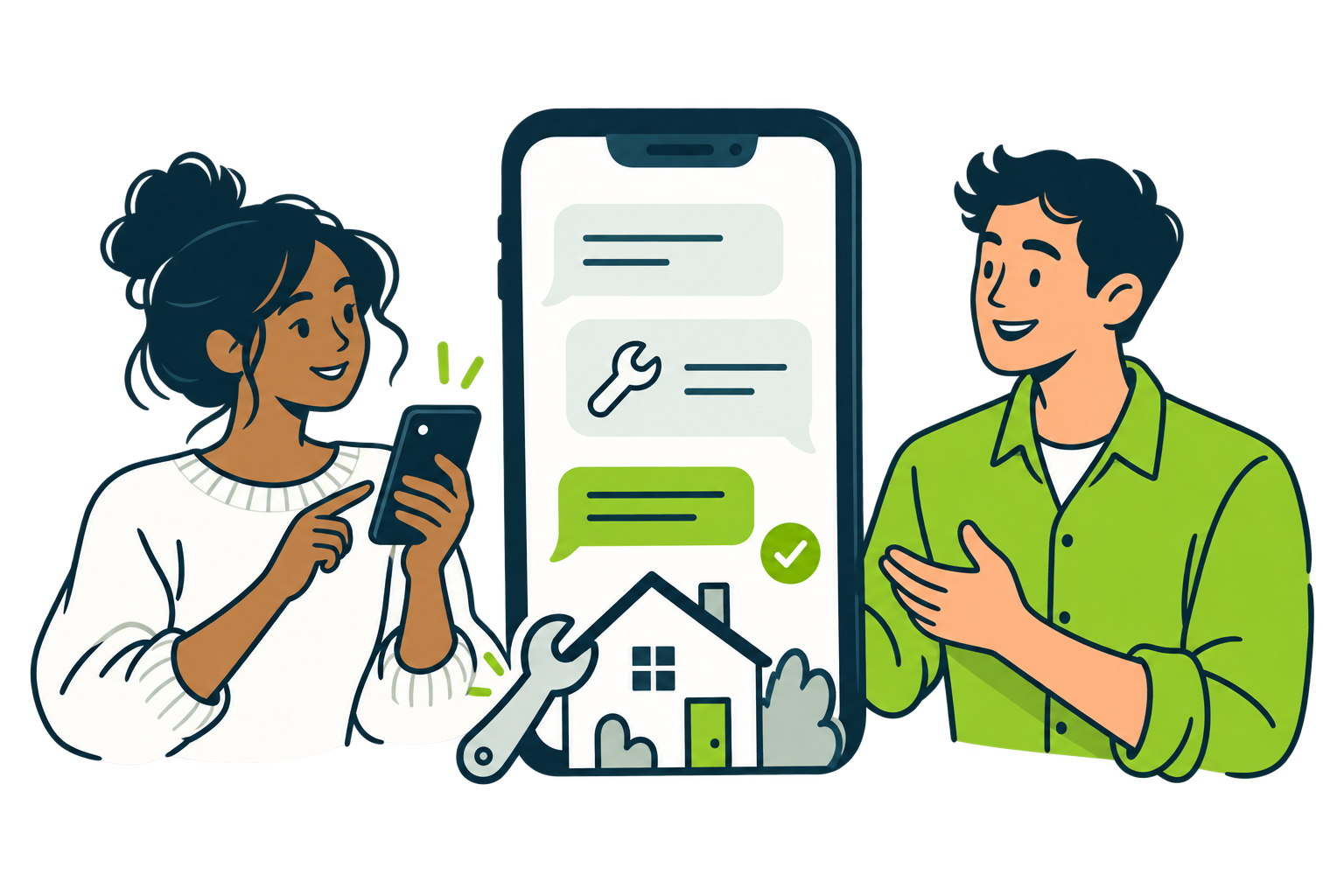
A property owner and a tenant communicate by phone about a maintenance request.

04 / COORDINATE

Clear conversations. Tracked repairs.

Your tenant submits a request in their workspace. Find your messages and follow maintenance work from the initial request to resolution.

  • Messaging for owners, managers and tenants.
  • Requests and repairs tracked in the maintenance module.
  • A tenant workspace for receipts and requests.

Everyone can find the information relevant to them.

For the other moments in your rental management

Short-term rentals

Bookings and a calendar to track occupancy.

Tasks and reminders

Keep upcoming actions and deadlines in view.

Tenant applications

Organise incoming enquiries to find your next tenant.

YOUR FIRST RENTAL

Start with what you already know.

Your property, your tenant and your lease terms. These details give your rental management a starting point.

  1. 01

    Add your property

    Enter the property details and characteristics.

  2. 02

    Create your tenant

    Keep their contact details in a tenant record.

  3. 03

    Prepare your lease

    Connect the property to the tenant and set the rent.

THE WAY YOU MANAGE

For your property, company or agency.

Property companies

Bring your company’s properties together and track income and expenses across your portfolio.

Explore company management

Agencies

Organise your portfolio, colleagues and requests from owners and tenants.

Discuss my agency

WEB, IOS AND ANDROID

Keep your rental management within reach.

Check your rentals on a computer or in the mobile app. Your tenants also have their own workspace.

Before you create your workspace

View pricing
Can I manage different property types?

You can add apartments, houses, studios, parking spaces and garages. Each property has its own record and can be connected to a rental contract.

Can my tenants access eGuardImmo?

Yes. The tenant workspace lets them view their rent receipts and track their requests. Messaging keeps your conversations together.

How do rent receipts work?

A payment notice shows the amount due. The rent receipt corresponds to full payment of that notice. You can view it, download it and send it by email.

Where can I find plans and pricing?

The Pricing page lists the available plans. Check it before creating your workspace, or contact the team to discuss your agency’s needs.

YOUR NEXT STEP

Give your rentals a dedicated workspace.

Create your eGuardImmo workspace and start with your first property.