Rooms in pictures
Photos to support your observations about the property.
PROPERTY INSPECTIONS
Describe rooms, add photos and prepare your report from your smartphone. Find the inspection later in the rental’s records.
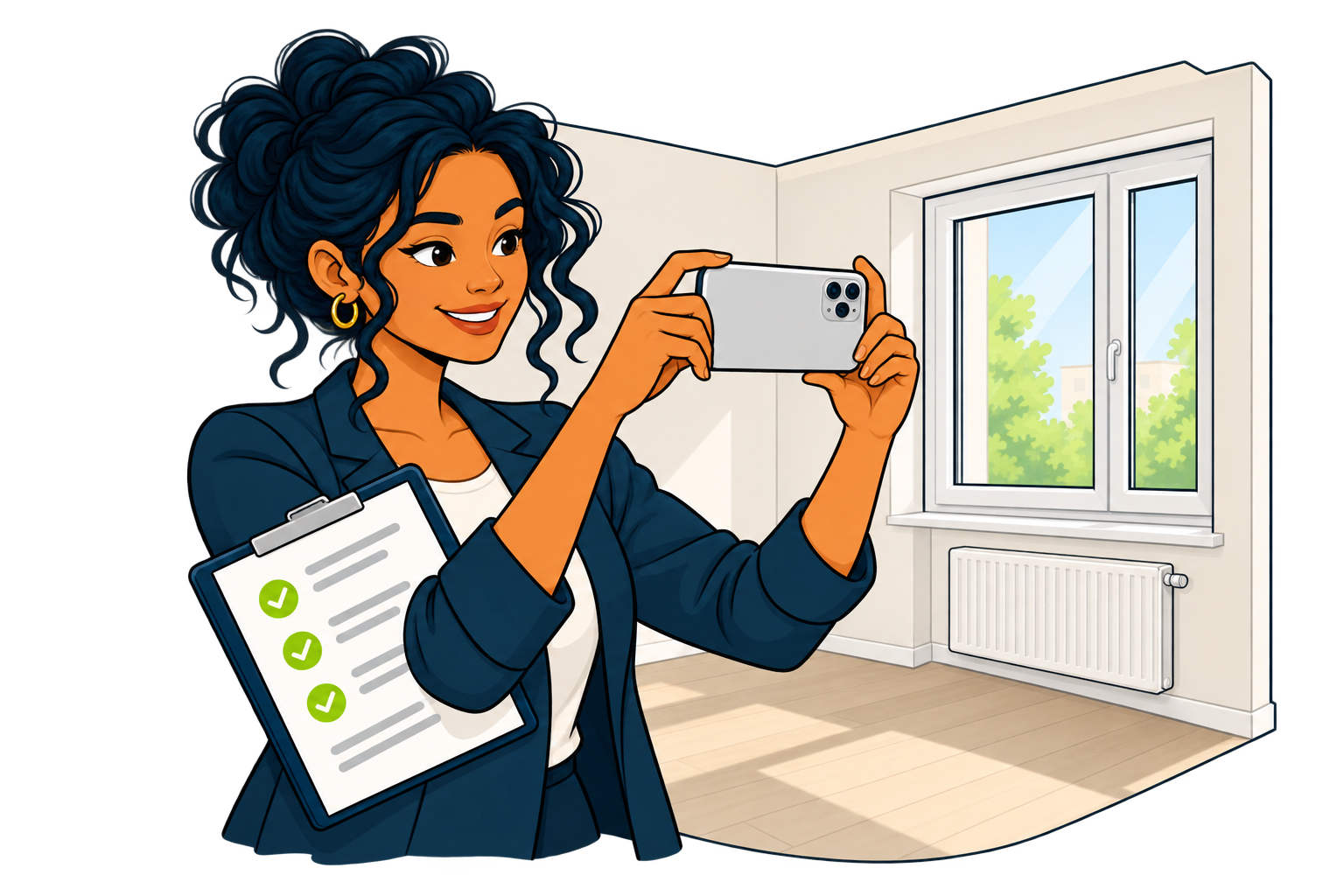
Photos to support your observations about the property.
One document gathering the information from your visit.
Find both inspections to examine the differences.
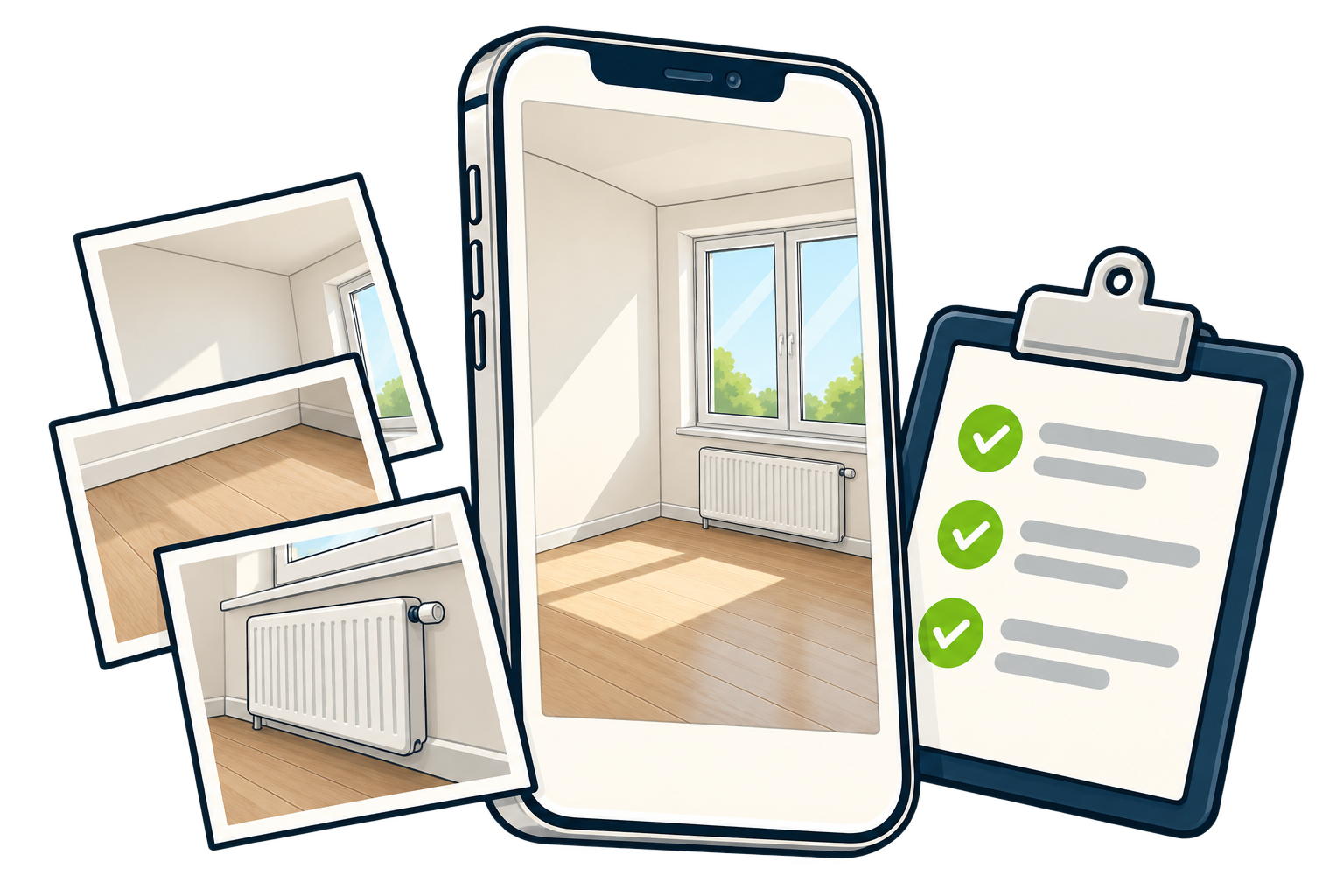
ROOMS & PHOTOS
Walls, floors and fixtures: keep your observations with the corresponding photos. The file brings together the details recorded during your visit.
REPORT & SIGNATURE
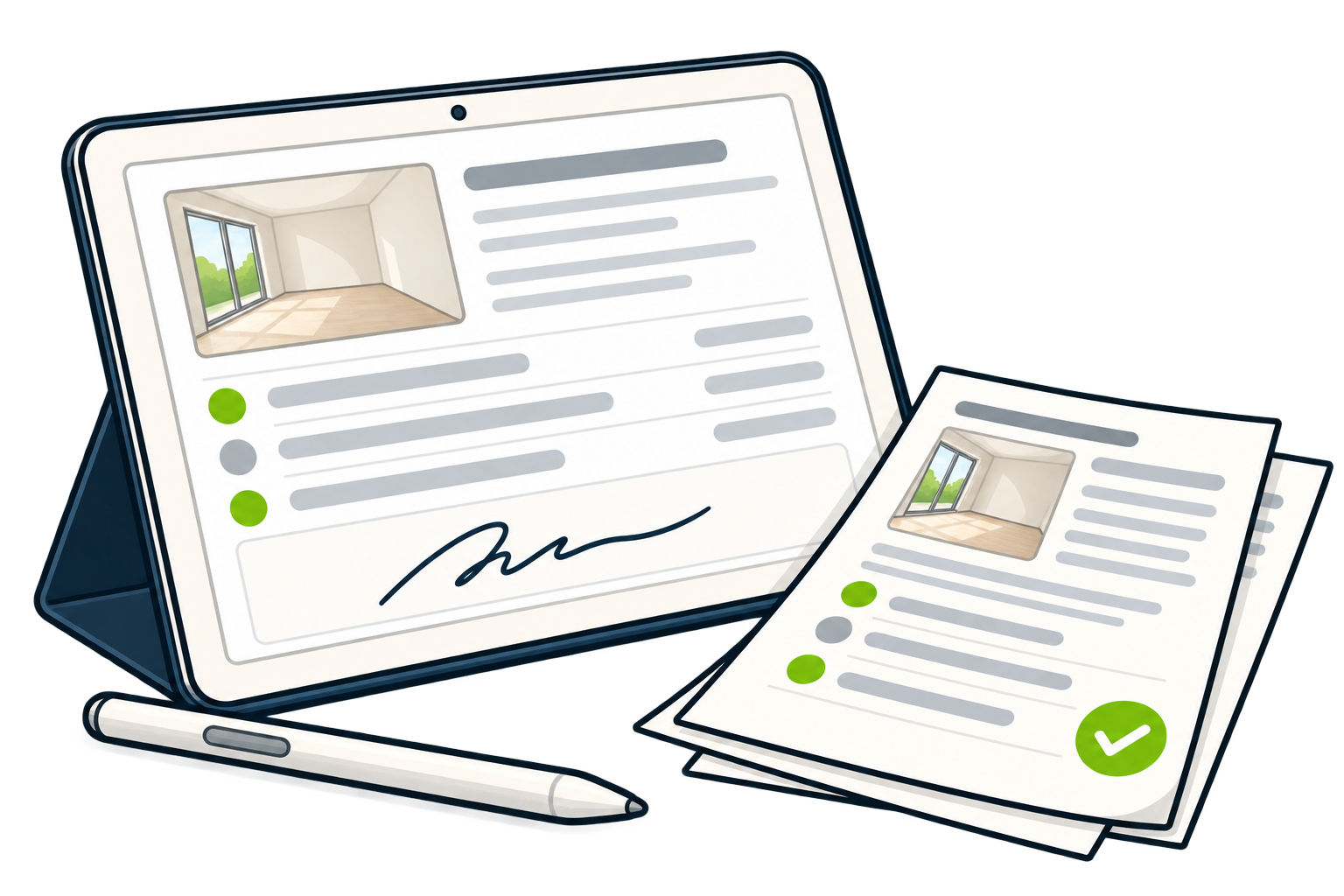
Gather the details in a report. Collect the inspection signatures and keep the document with the other rental records.
CHECK-IN & CHECK-OUT
Find the check-in inspection when a tenant leaves. Compare observations and photos to document what has changed.
Describe the property and keep photos with the first inspection.
Record the condition of the same rooms and fixtures during the new visit.
Review both reports and their photos to examine the differences recorded.
Find useful guidance for organising your rental management with eGuardImmo.
Ask a questionYes. The mobile app lets you record rooms and fixtures, then add photos from your visit.
The report is part of the rental’s records. You can find it alongside other documents and share it with the people concerned.
Find the check-in inspection and its photos before the visit. They provide useful reference points for recording the condition and examining differences.
Available on